What’s new in Tutti 2.0: per-output EQ & Audio Units, Input Mix, and a redesigned panel
Tutti 2.0 brings per-output 6-band EQ, offline Headphone Correction, Audio Unit chains, Input Mix for recording and streaming, a redesigned menu bar panel with display disconnect, and Tutti Remote iOS widgets—free for existing Pro owners.
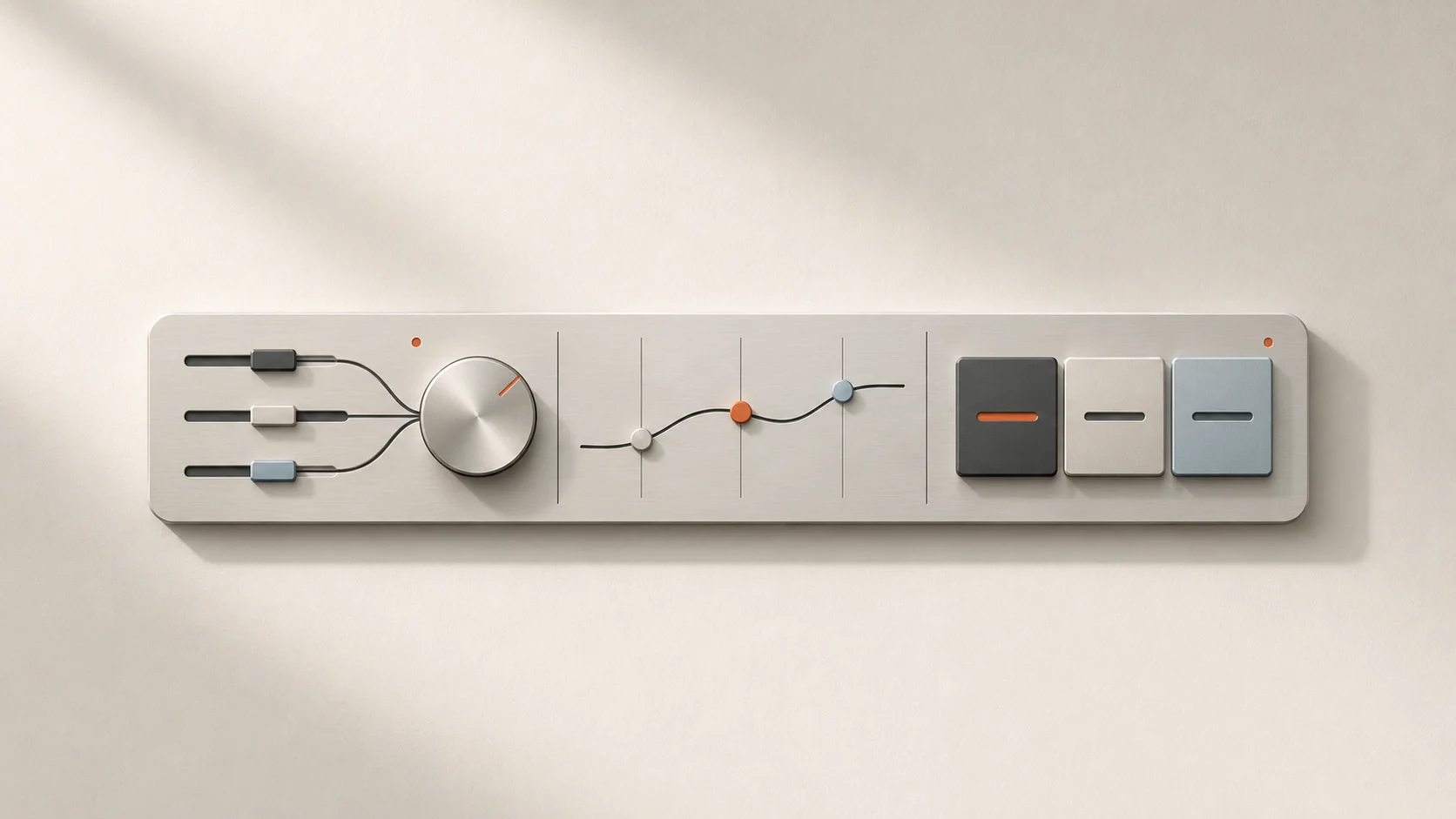
Quick answer: Tutti 2.0 is a major macOS release—and a free update for existing Pro owners. It adds per-output audio processing (6-band Output EQ, offline Headphone Correction, and Audio Unit plug-in chains), Input Mix virtual inputs for recording and streaming, a redesigned menu bar panel with secondary display disconnect, and dark-mode Home Screen widgets for Tutti Remote on iPhone.
System requirements at a glance
| Capability | Minimum macOS |
|---|---|
| Core multi-output audio & volume control | macOS 13.0 or later |
| Per-App controls, Output Processing & Input Mix | macOS 14.4 or later |
| Display control & temporary secondary display disconnect | macOS 15.0 or later (Apple Silicon for temporary disconnect) |
1. Per-output EQ, Headphone Correction, and Audio Units
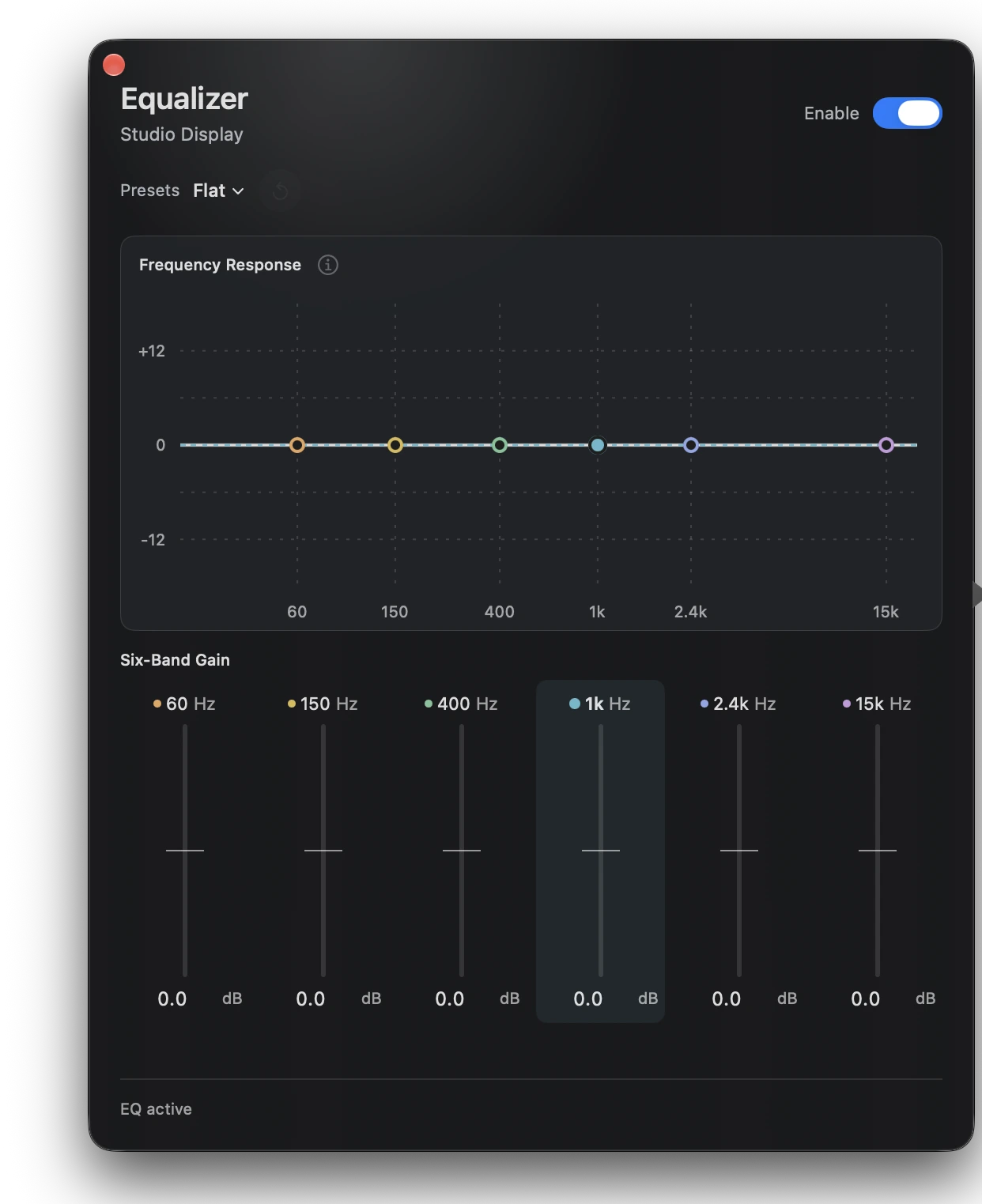
Open the attached side-panel editor on any local Core Audio output device (macOS 14.4+) to shape sound independently for headphones, desktop speakers, or an audio interface:
- 6-band Output EQ: adjust six linked bands or start from built-in curves tuned for everyday listening.
- Offline Headphone Correction: search 1,511 OPRA profiles across 755 models and 174 brands right on your Mac—no internet required—or import your own Equalizer APO / AutoEq
.txtparameter file. - Apple & third-party Audio Unit plug-in chains: load installed AU effects (compressors, limiters, parametric EQs, spatializers), open their native UI or generic controls, and drag to reorder every block in the chain.
Each local output remembers its own processing chain, and you can store complete chains inside Presets for one-click switching.
2. Input Mix for recording, streaming, and screen capture
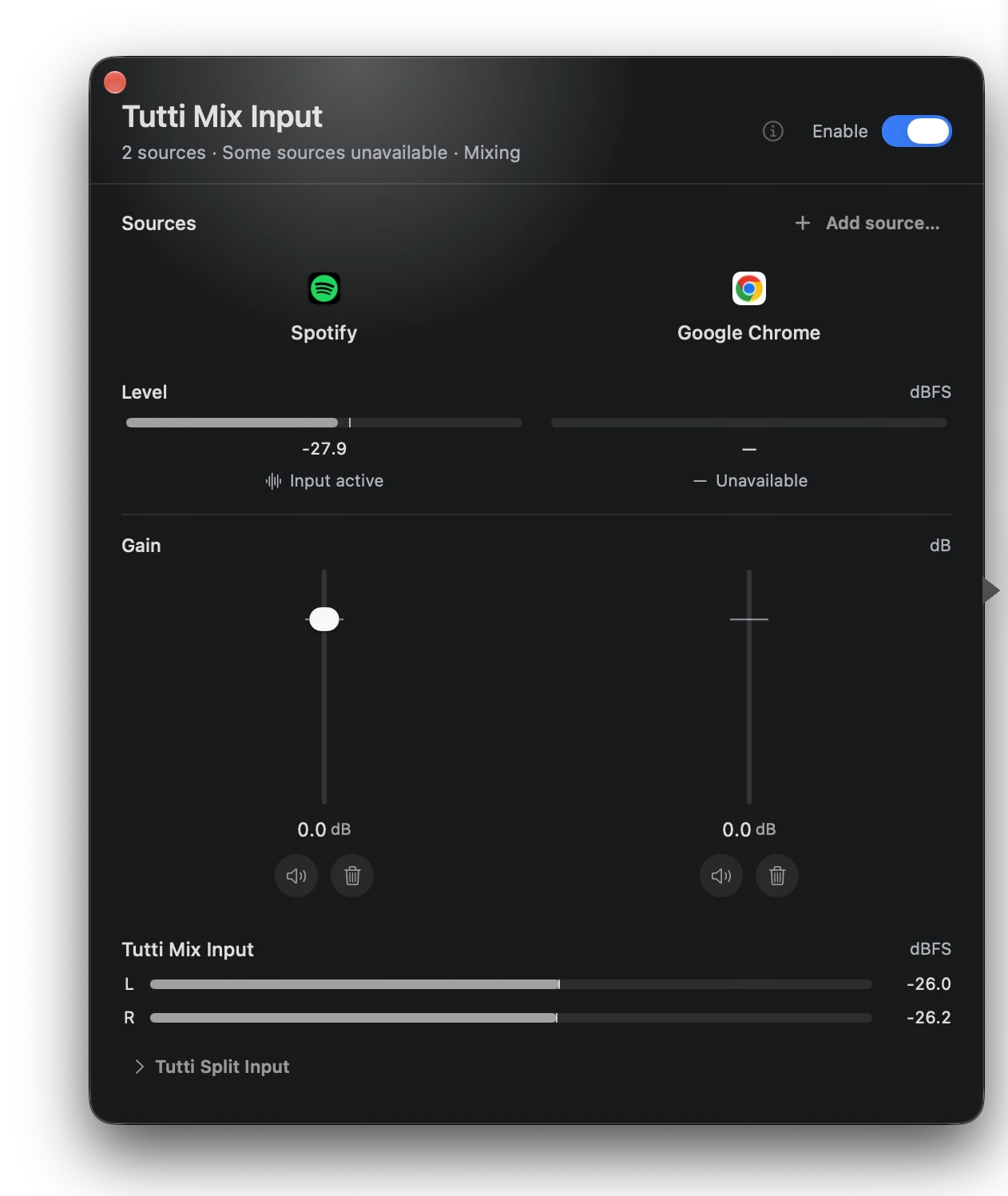
Capturing Mac app audio alongside your microphone usually means juggling third-party virtual drivers and aggregate devices. Tutti 2.0 introduces Input Mix (macOS 14.4+) with two ready-to-use virtual inputs:
Tutti Mix Input(stereo): blends selected Apps and microphones into a single stereo input for OBS, QuickTime, Zoom, or screen recorders.Tutti Split Input(4-channel): keeps channels 1–2 for Apps and channels 3–4 for microphones or virtual inputs, so you can edit or balance voice and desktop audio on separate tracks in your DAW or video editor.
3. Redesigned 2.0 menu bar panel & display disconnect
The Tutti 2.0 menu bar popover has been rebuilt around faster navigation and cleaner visual hierarchy:
- Category tabs (
Favorites · Audio · Displays · Presets): switch views with segmented navigation instead of scrolling through one long stack. - Cleaner two-line device cards: quicker scanning of output status, volume, and per-device actions.
- Temporary display disconnect: on Apple Silicon Macs running macOS 15+, temporarily disconnect and reconnect secondary displays directly from the Displays view without unplugging cables.
4. Tutti Remote on iPhone with dark-mode widgets
Tutti Remote on iPhone lets you control Mac outputs, master volume, and Presets from across the room. With 2.0, Tutti Remote adds dark-mode Home Screen widgets so you can check and trigger presets or volume controls right from your iPhone Home Screen.
Learn more
Want simpler sound and display controls?
Tutti brings audio outputs, app volume and display brightness into one native menu bar panel.
Download Tutti